iPhone app · by P-Bon Consulting
Orbit: Quick Launch Wheel
Your favorite apps, one flick away.
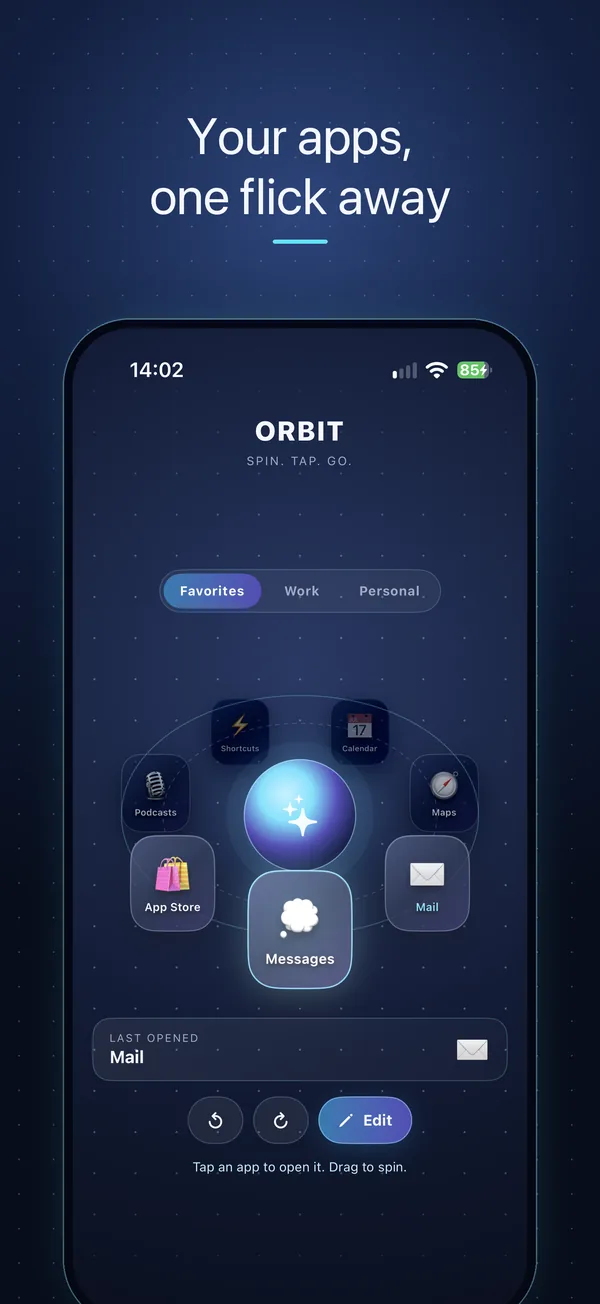
Orbit puts the apps you open most on a glowing 3D wheel. Drag to spin it, flick to send it gliding, and feel a soft tick as each app passes the front. Tap any tile and the app opens instantly.
In App Review · coming soon to the App Store
- $2.99, one-time
- No subscription
- iPhone, iOS 18 or later
- No data collected
See Orbit in action
Your apps, one flick away 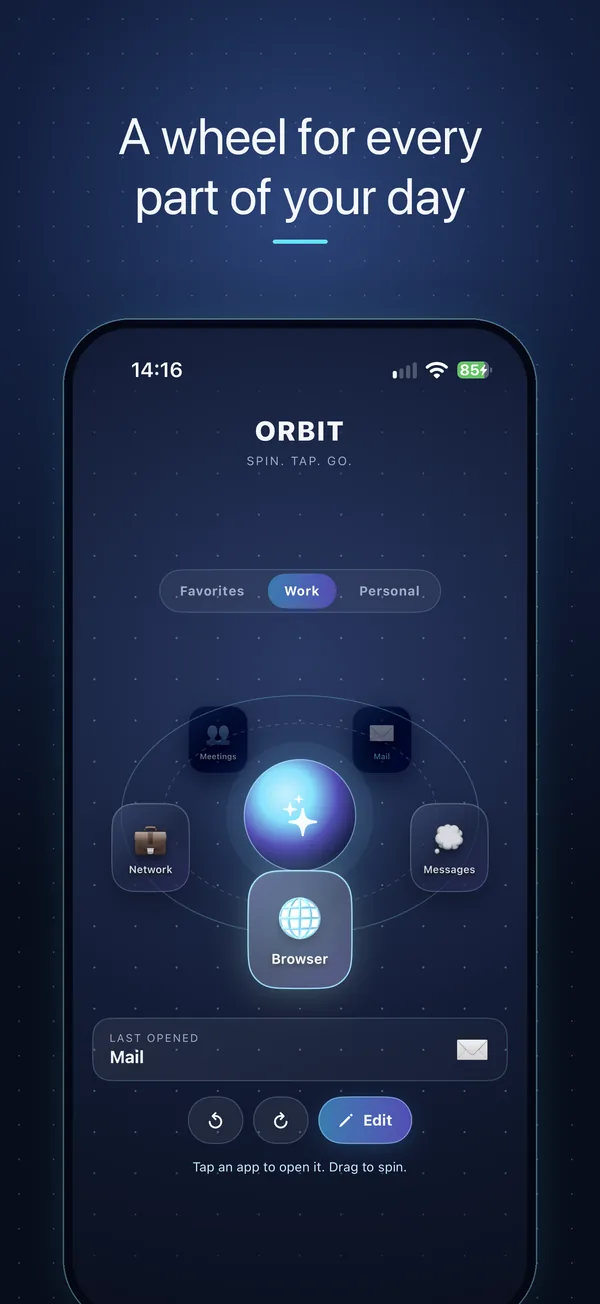
A wheel for every part of your day 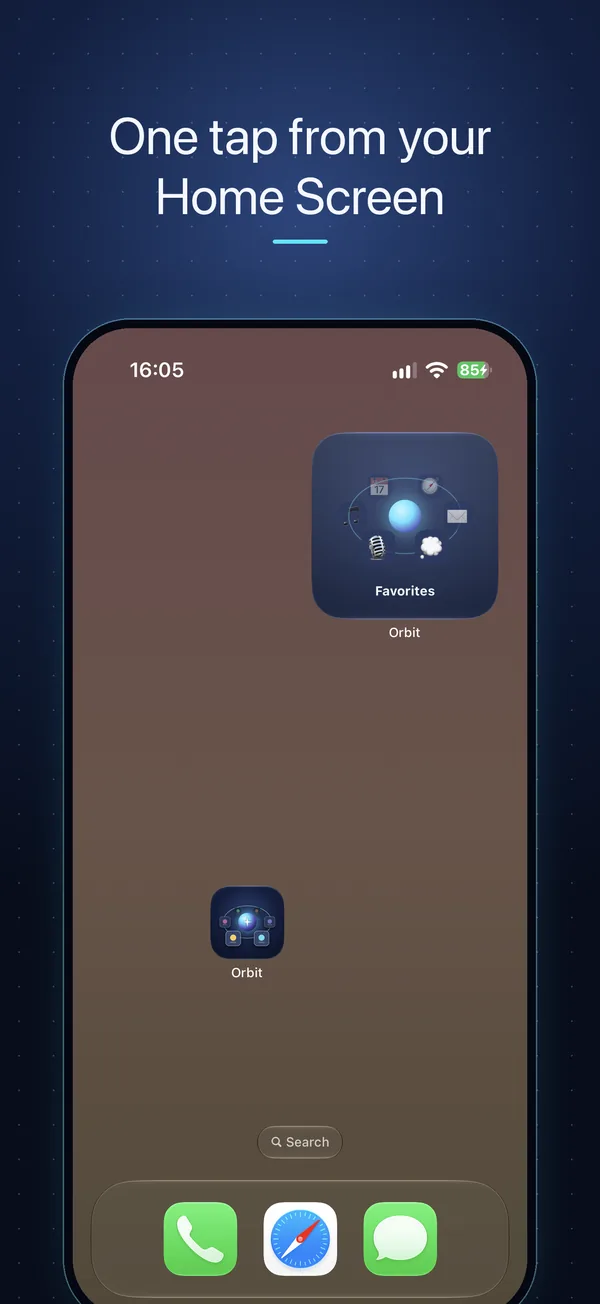
One tap from your Home Screen 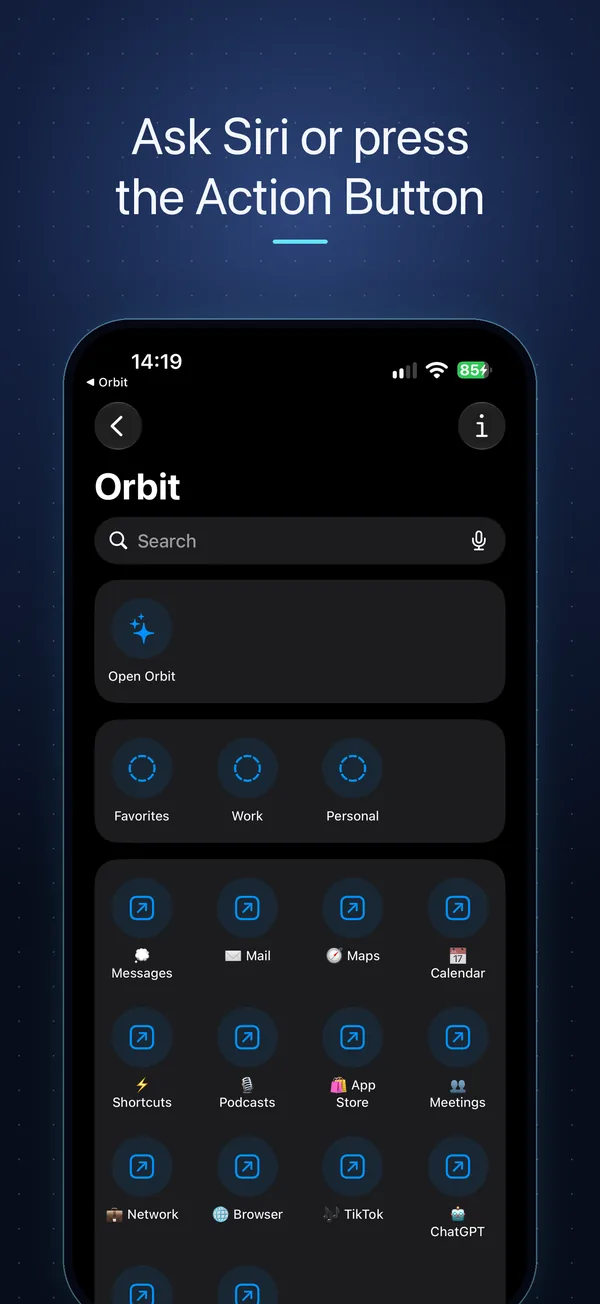
Ask Siri or press the Action Button 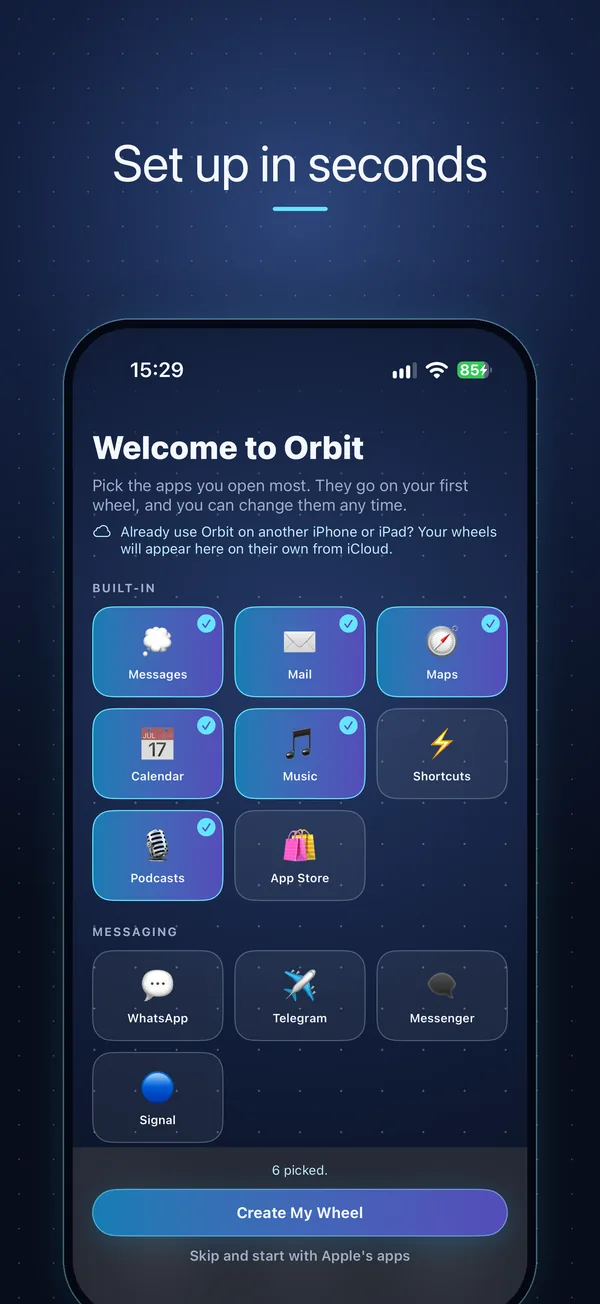
Set up in seconds
What Orbit does
Made for the way you switch
- Separate wheels for work, home, travel or anything else, one tap apart
- Pick from a list of popular apps, or add any app link or web page
- An emoji and a name for every tile
- If an app isn't installed, Orbit opens its web page instead
Widgets
- Home Screen widgets in three sizes: a mini wheel, or a grid of your apps
- Lock Screen widgets that take you straight to a wheel
- Choose which wheel each widget shows
Siri, Shortcuts and the Action Button
- Say "Open Work in Orbit" or "Launch Mail with Orbit"
- Use the Open Wheel and Launch App actions in your own shortcuts
- Add the Orbit control to Control Center, the Lock Screen or the Action Button
Syncs with iCloud
Your wheels follow you to every iPhone signed in to your Apple Account. Set up a new phone and your wheels are already there.
Private by design
No account, no ads, no tracking. Orbit collects no data at all. Your wheels stay on your devices and in your own iCloud. Read the privacy policy.
Thoughtful details
- Smooth momentum and snap, tuned to feel natural
- Haptic feedback as the wheel turns
- Supports VoiceOver and Reduce Motion
- Touch and hold any tile to edit or remove it
Details
| Price | $2.99, one-time purchase. No subscription, no in-app purchases. |
|---|---|
| Requires | iPhone with iOS 18 or later |
| Category | Productivity |
| Age rating | 4+ |
| Privacy | Data Not Collected |
| Language | English |
| Developer | P-Bon Consulting Services Incorporated |
Questions
How does Orbit open my apps?
Each tile holds the app's own link. When you tap it, Orbit asks iOS to open that app. If the app isn't installed, Orbit opens the web page you set for it instead.
Does Orbit change my Home Screen?
No. Orbit is its own app with its own wheel. Your Home Screen stays as it is; you can add an Orbit widget to it if you like.
Does Orbit collect my data?
No. There's no account, no analytics and no advertising. Your wheels are stored on your iPhone and, if you use iCloud, in your own iCloud account. We never see them.
Do my wheels move to a new iPhone?
Yes, when both phones are signed in to the same Apple Account with iCloud turned on. Your wheels appear on the new phone by themselves.
Where do I get help?
See the Orbit support page, or email info@pbonconsulting.com.
Orbit is made by P-Bon Consulting Services Incorporated (opens in a new tab). Privacy policy · Support